
How it works
You run your business. We build, launch and look after the app.
You do not need to know anything about code, app stores or servers. Here is what happens from the first conversation to the years after launch, and what we need from you at each step.
- 8–12
- weeks planned from kickoff to the stores
- 2
- rounds of design revisions, included
- 0
- hourly invoices. One fixed price, agreed up front
- 1 hr
- a week of your time during the build, on average
Step by step
The first call
Thirty minutes, free. We ask about your customers, what slows your team down and what you picture the app doing. If an app is not the right answer, we will say so.
- You bring: your idea, in whatever shape it is in
- You leave with: a clear yes, no or not yet
Scope and fixed quote
Within a few days you receive a plain-English scope: every screen, every feature, the timeline, your build price and your monthly plan. You sign off on a number, not an estimate. The build fee is paid in three steps, half when we start, a quarter when you approve the design and a quarter at launch, and half of what you have paid so far is refundable if you change your mind before launch.
- You do: read it, ask questions, approve
- We do: set up your project and a private way for you to install test versions
Design you can tap through
We design the full app in your colors, type and voice, then send a preview you can open on your own phone. Changing a drawing is cheap, so this is where we get it right.
- You do: share your logo and brand, react honestly
- We do: two rounds of revisions, included
The build
Every week you get a new version to install and try, with a short note on what changed and what is next.
- You do: test for about an hour a week
- We do: everything else, including the systems behind the app
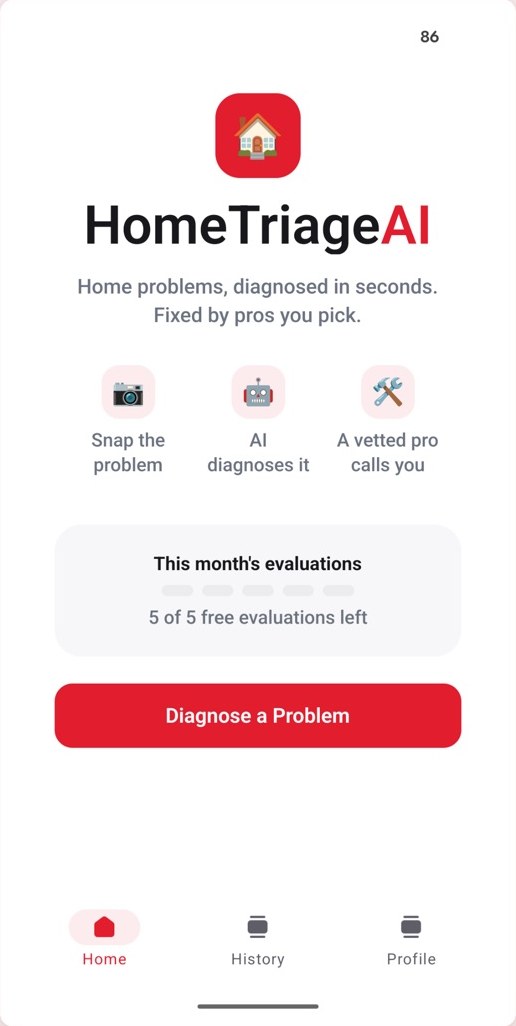
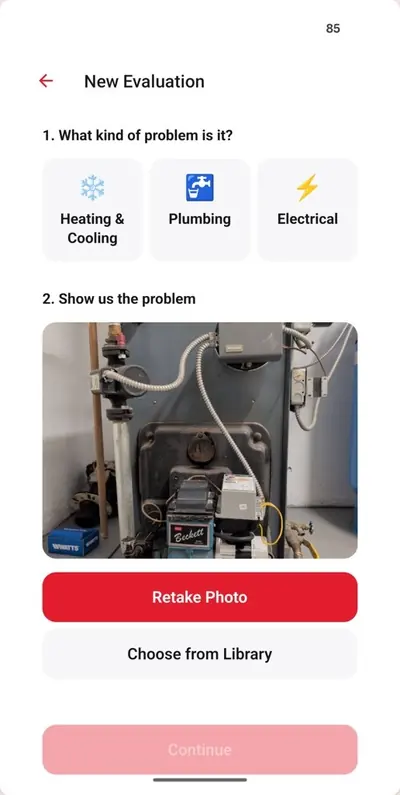
Swipe to see each screen →

Store accounts and review
Your app is published under your business name, so we help you open your Apple and Google developer accounts and then manage them for you. We write the listings, prepare screenshots, complete the privacy forms and answer the reviewers.
- You do: confirm a few business details with Apple and Google
- We do: the submissions, and any back-and-forth with review
Live on both stores
Your customers can download your app. We give you a launch kit: store links, QR codes for your counter and trucks, and wording for your email list and social pages.
We stay on as your app team
Your monthly plan covers hosting, monitoring, security, the yearly Apple and Google updates, bug fixes and support, for as long as your app is live. When you want something new, you ask, we quote it and you decide.
How we keep the cost down without cutting corners
Four reasons, none of them shortcuts.
- Built once, runs on both. We write your app once and ship it to iPhone and Android, instead of paying two teams to build it twice.
- A proven foundation. Sign-in, notifications, payments and the systems behind the app start from parts we have already built and tested in a live app.
- Modern tools, small team. We use modern AI tools to write and test faster, and a person reviews everything that ships. You talk to the people doing the work, with no account managers in between.
- A plan instead of a lump sum. Your upkeep is spread over a predictable monthly plan, so the up-front bill stays small.
Process questions
What owners want to know before the first call.
I only have a rough idea. Is that enough?
Yes. Many owners start with a sentence, such as “I want customers to book and pay from their phone.” Turning that into a full plan is part of what we do.
Do I need my own Apple and Google accounts?
Yes, and that is a good thing. Publishing under your own accounts means the listing, the reviews and the customers carry your name. We walk you through opening both accounts and then manage them for you.
What if Apple or Google rejects the app?
Rejections are normal and usually minor. We have been through review on both stores with our own app, we handle the fixes and resubmission, and it is included in your build price.
Can the app connect to software I already use?
Usually. If your scheduling, payment or customer system offers a connection for other software, we can plug into it. We confirm this during scoping, before you commit.
How involved do I need to be?
Very little. During the build you try each new version and answer our questions. After launch, as much or as little as you like.